[elementor-template id=”9783″]
Sale!

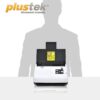
Plustek Scanner SmartOffice PN30U
Original price was: Rp 6.900.000.Rp 5.599.000Current price is: Rp 5.599.000.
sudah termasuk PPN
● Garansi Produk 3 Tahun
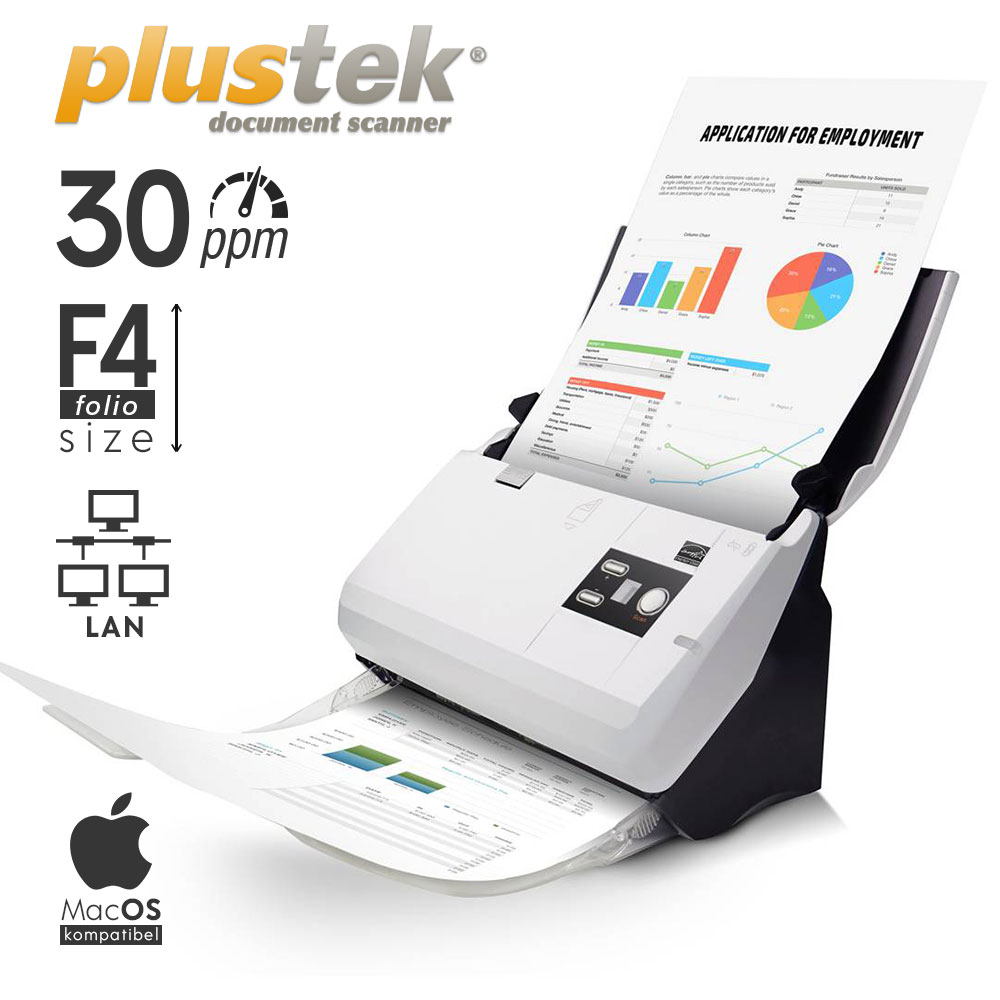
● Kecepatan scan 30 lembar/menit
● Kapasitas kertas 50 lembar
● Bisa scan ukuran kertas dari Kartu nama, A5, Quarto, Letter, A4, Folio/F4, hingga Legal
Spesifikasi Hardware
| Type | Automatic Document Feeder (ADF) |
| Image Sensor | CIS x 2 (Duplex Scanner) |
| Optical Resolution | 600 dpi |
| Interpolated Resolution | 1200 dpi |
| Hardware Resolution | 600 x 1200 dpi |
| Scan Modes | Color: Input 48-bit, Output 24-bit |
| Grayscale: Input 16-bit, Output 8-bit | |
| Black & White: 1-bit | |
| ADF Capacity | 1. 50 sheets (A4/ Letter, 70 g/㎡ or 18 Lbs), Max. thickness under 5mm (0.2″). |
| 2. 20 sheets (Business Cards). | |
| 3. Plastic Card, Max. thickness under 1.2 mm. | |
| Note: Maximum ADF capacity varies, depending upon paper weight. | |
| Scanning Speed ( ADF ) | 30 ppm/ 60 ipm (Grayscale mode, 200 & 300 dpi, A4 Portrait) |
| 30 ppm/ 60 ipm (B&W mode, 200 & 300 dpi, A4 Portrait) | |
| 30 ppm/ 60 ipm (Color mode, 200 & 300 dpi, A4 Portrait) | |
| Note: Results may vary depending upon your scanning application, computer processor and system memory. | |
| Acceptable Paper Sizes (W x L) | Max: 220 x 5080 mm (8.66” x 200”) |
| Min: 63.5 x 50.8 mm (2.5” x 2”) | |
| Scan: Kartu Nama, A5, Kuarto, Letter, A4, Folio (F4), hingga Legal | |
| Multi-feed Detection | With ultrasonic technology |
| Daily Duty Scan ( Sheets ) | 4,000 |
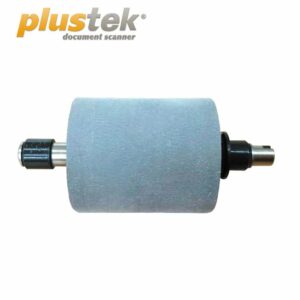
| Roller Lifetime (Scans) | 300,000 |
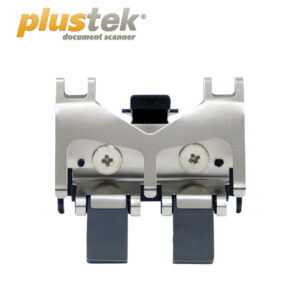
| Pad Lifetime (Scans) | 20,000 |
| Action Button | 3 Buttons: Up, Down, Scan |
| 9 Function Keys: All Customizable. | |
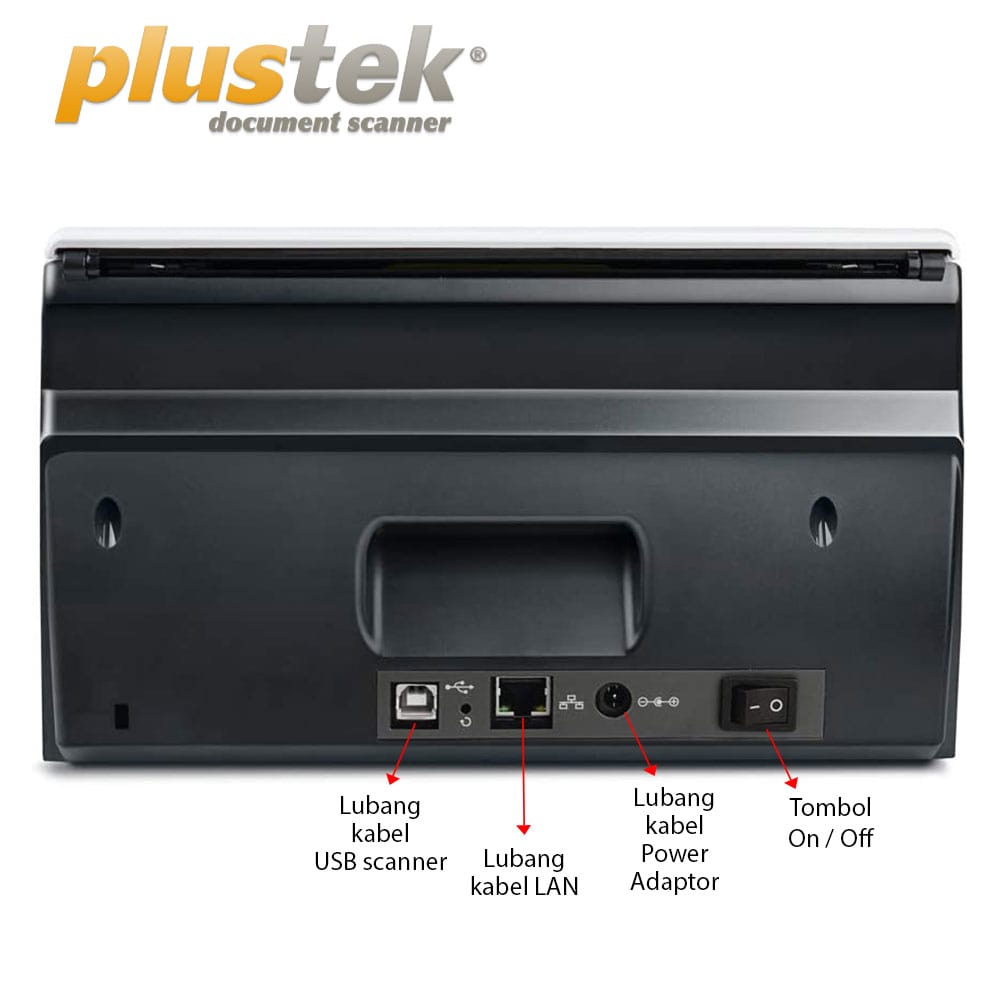
| Power Supply | 24 Vdc/ 0.75 A |
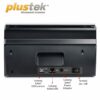
| Interface | USB 2.0 Type B |
| RJ45 LAN 10/100 Mbps (only support Windows) | |
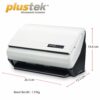
| Net Weight | 1.66 Kgs (3.66 Lbs) |
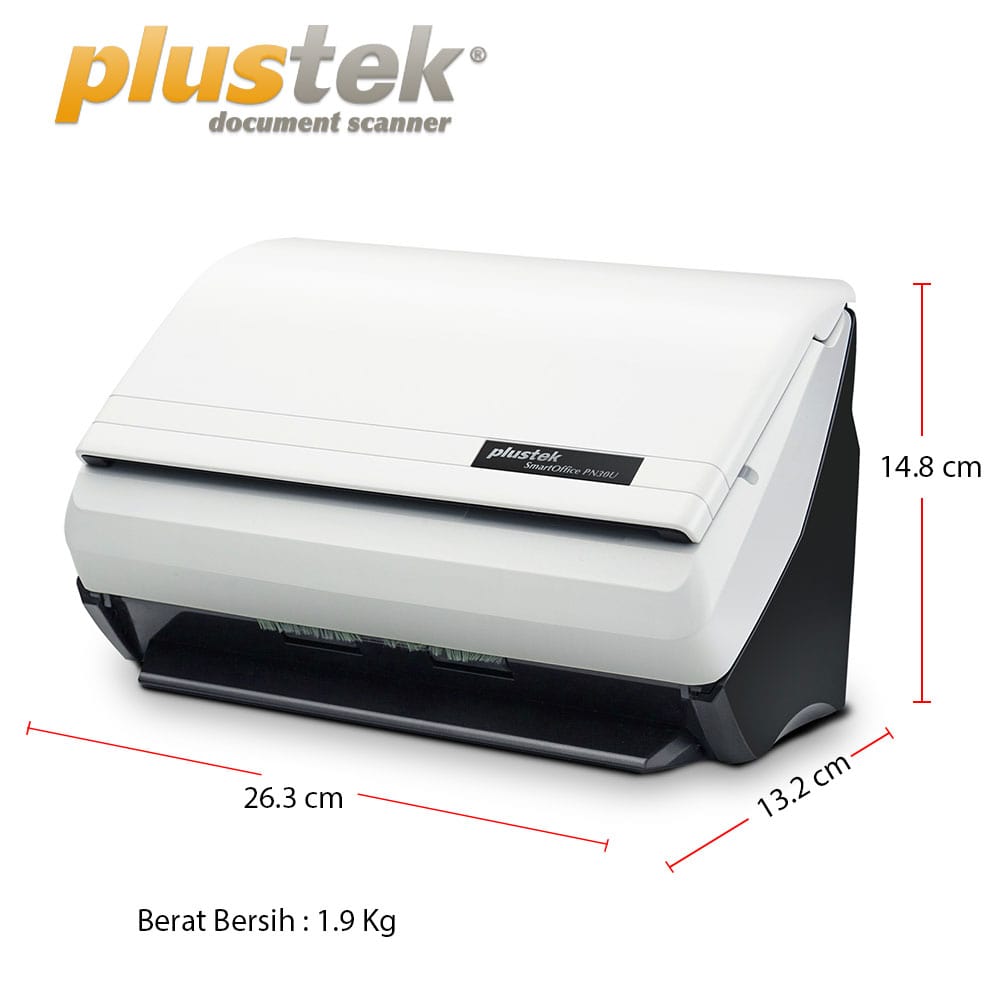
| Dimensions (W x D x H) | 263 x 128 x 148 mm (10.36″ x 5.02″ x 5.83″) |
| Protocol | TWAIN Compliant |
| OS | Windows XP / Vista / 7 / 8 / 10 / 11 macOS 10.8.x/ 10.9.x/ 10.10.x/ 10.11.x/ 10.12.x/ 10.13.x/ 10.14.x/ 10.15.x/ 11.x/ 12.x/ 13.x/ 14.x/ 15.x/ 26.x |
| Linux compatibility is only available for system integrators. Please contact sales@plustek.com for more info. | |
| Hardware Requirements | 3.2 GHz CPU processor or higher[1] [1]Windows Recommended: 3.2 GHz Intel® Core™ i7 Processor with 4 CPU Cores or higher |
| 4 GB RAM minimum (Recommended: 8 GB or more) | |
| 6 GB of hard-disk space for program installation | |
| Display dimensions of 1024×768 or greater | |
| Bundled Software | Plustek DocAction |
| Plustek MacAction | |
| Scanner Search Tool | |
| Built-in OCR | Plustek OCR (Powered by ABBYY® FineReader®) |
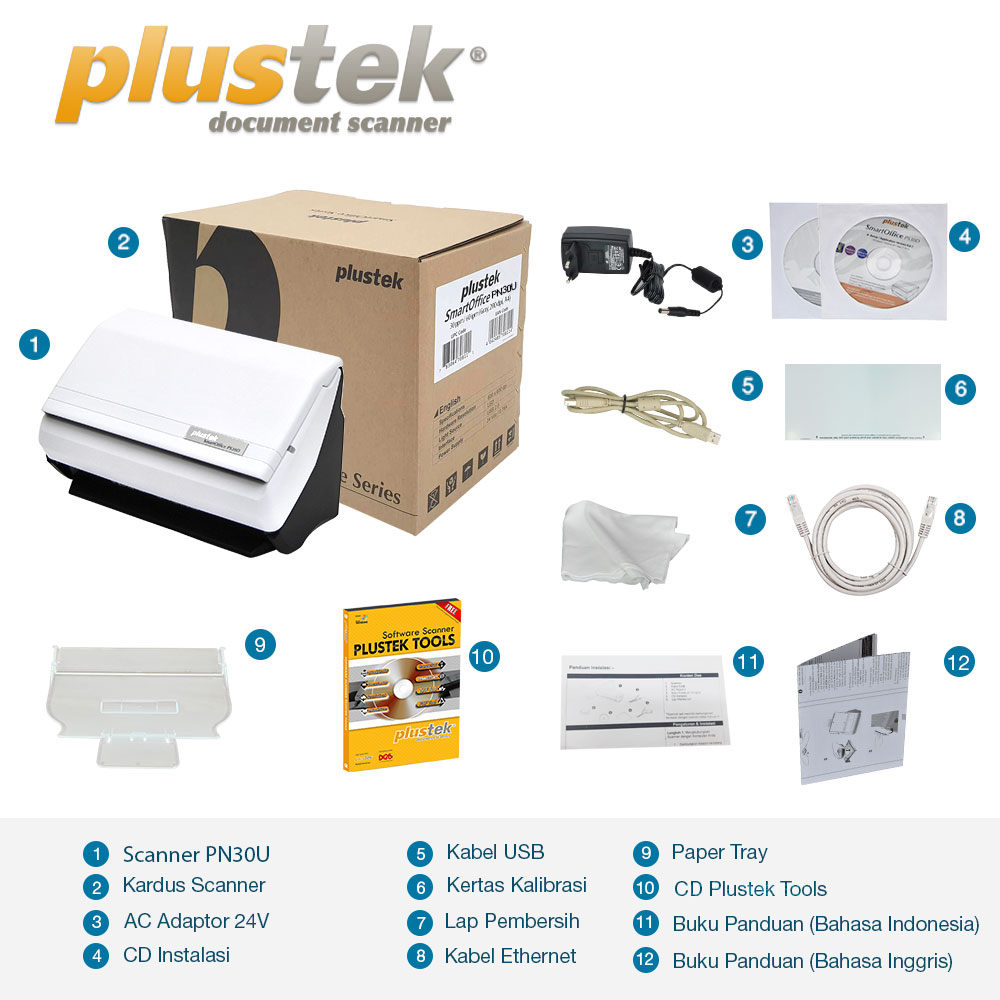
Daftar Kelengkapan Produk
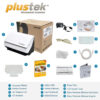
| 1 Scanner SmartOffice PN30U | 1 Paper Tray |
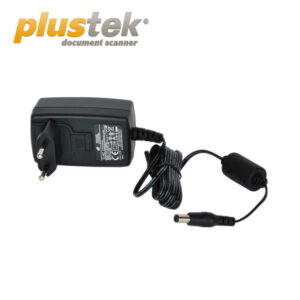
| 1 Kabel Adaptor 24V | 1 CD Instalasi |
| 1 Kabel USB | 1 Kertas Kalibrasi |
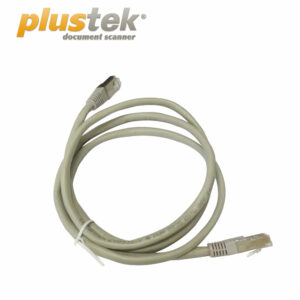
| 1 Lap Pembersih | 1 Kabel Ethernet (RJ45) |
| 1 CD Plustek Tools | 1 Panduan Pemasangan Scanner Bahasa Inggris & Indonesia |
Spesifikasi Berat Produk
| Berat Bersih | 1.9 Kg |
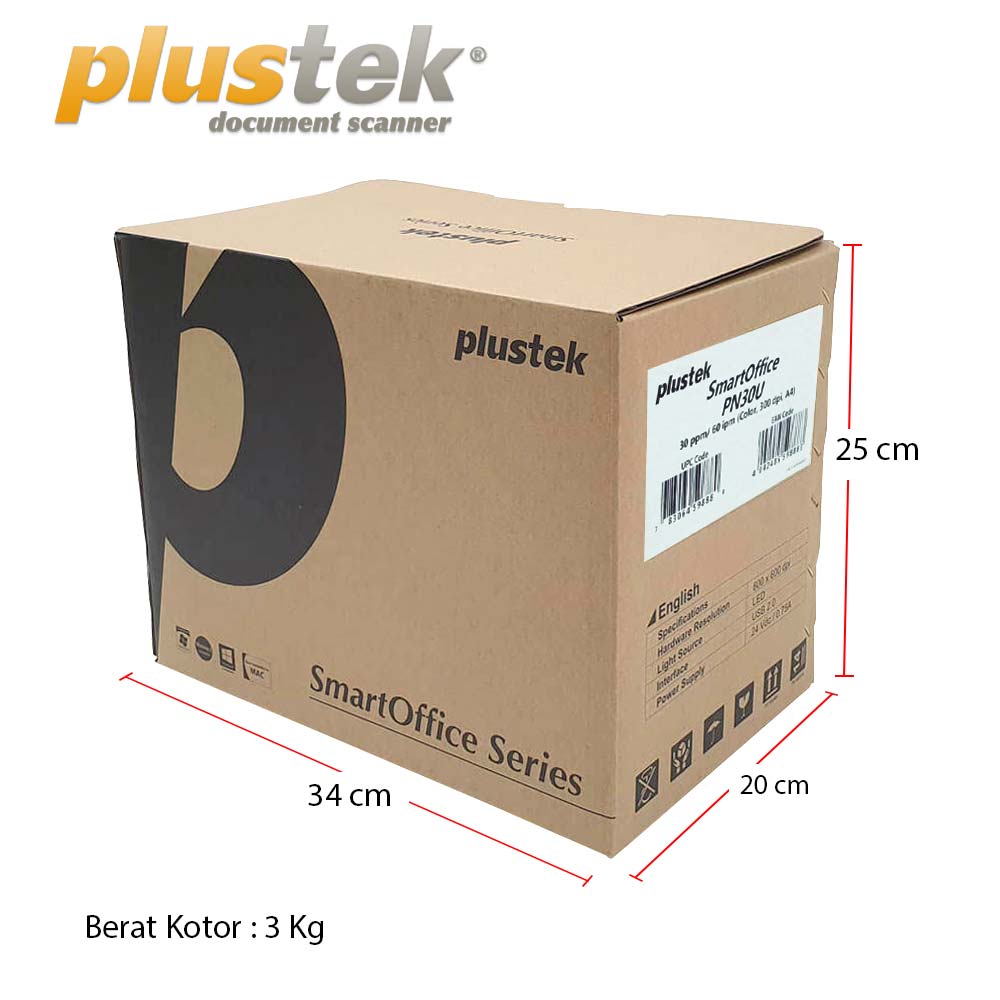
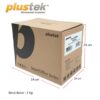
| Berat Kotor | 3 Kg |
| Dimensi Produk | (P) 26.3 x (L) 12.8 x (T) 14.8 cm |
| Dimensi Kardus Luar | (P) 34 x (L) 20 x (T) 25 cm |
[elementor-template id=”10474″]
Bundled Software & Download


Program yang membuat Plustek Scanner dikenal dengan “Scanner Paling Mudah Digunakan”.
Dengan program ini anda bisa membuat profil (aturan) yang sesuai dengan kebutuhan, sehingga cukup menekan 1 (satu) tombol setiap men-scan dengan Plustek.


Program khusus untuk OCR (Optical Character Recognition), mengenali tulisan dokumen sehingga tidak perlu menulis ulang isi dokumen apabila ingin di-edit. Plustek OCR (untuk windows) & DocOCR (untuk Mac)

Standar industri scanner dunia untuk menghubungkan scanner dengan program lainnya.
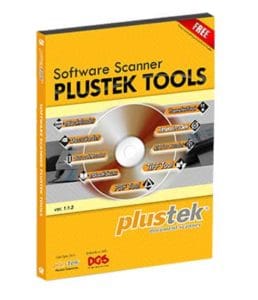

Software PDF Tool ini dapat menggabungkan beberapa file PDF menjadi satu file PDF dan memisahkan satu file PDF menjadi beberapa file PDF.

Software Docusorter ini memudahkan anda untuk mencari, memilih, merubah dan memberi nama file gambar anda, Selain itu anda bisa menscan dokumen dalam jumlah besar secara otomatis menggunakan barcode.

Software ScanToCloud ini memudahkan Anda mengupload file hasil scan Anda langsung ke server pilihan Anda. Software ScanToCloud compatible dengan FTP server, Google dokumen, Microsoft sharepoint, Box, Dropbox dan twitter.

Software eBookScan memudahkan anda dalam men-scan dan mendigitalkan isi dari buku kemudian menyimpanya dalam beragam format.

Software eBookReader memudahkan anda dalam membuka beragam file format seperti PDF, TIFF, JPG, BMP, TXT, dan PNG, serta dengan mudah melakukan pembesaran dan pengecilan hasil scan gambar.

Software TIFFTool memudahkan anda dalam mengabungkan beberapa file TIFF menjadi satu file, dan memisahkan satu file TIFF menjadi beberapa file TIFF.

Software Translator dan TTS Client memudahkan anda untuk menerjemahkan bahasa sesuai dengan keinginan anda.

Software Plustek Transfer Tool merupakan software yang di buat Plustek Scanner untuk memenuhi kebutuhan para pengguna Android yang ingin dapat langsung menyimpan hasil file scan ke dalam format digital langsung ke Smartphone dan Tablet Android.

Software Plustek Barcode Scanner merupakan software yang di buat Plustek Scanner untuk memudahkan dalam manajemen dokumen yang memiliki barcode, untuk langsung disimpan menggunakan nomor seri barcode tersebut. Sangat berguna untuk manajemen dokumen seperti Resi pengiriman, dan sebagainya.
User’s Manual Scanner :

Driver Scanner:
[elementor-template id=”10474″]
| Weight | 4 kg |
|---|---|
| Dimensions | 34 × 24 × 25 cm |